Job
Create job
Jobs are created by running code in labs or running templates.
Browse jobs
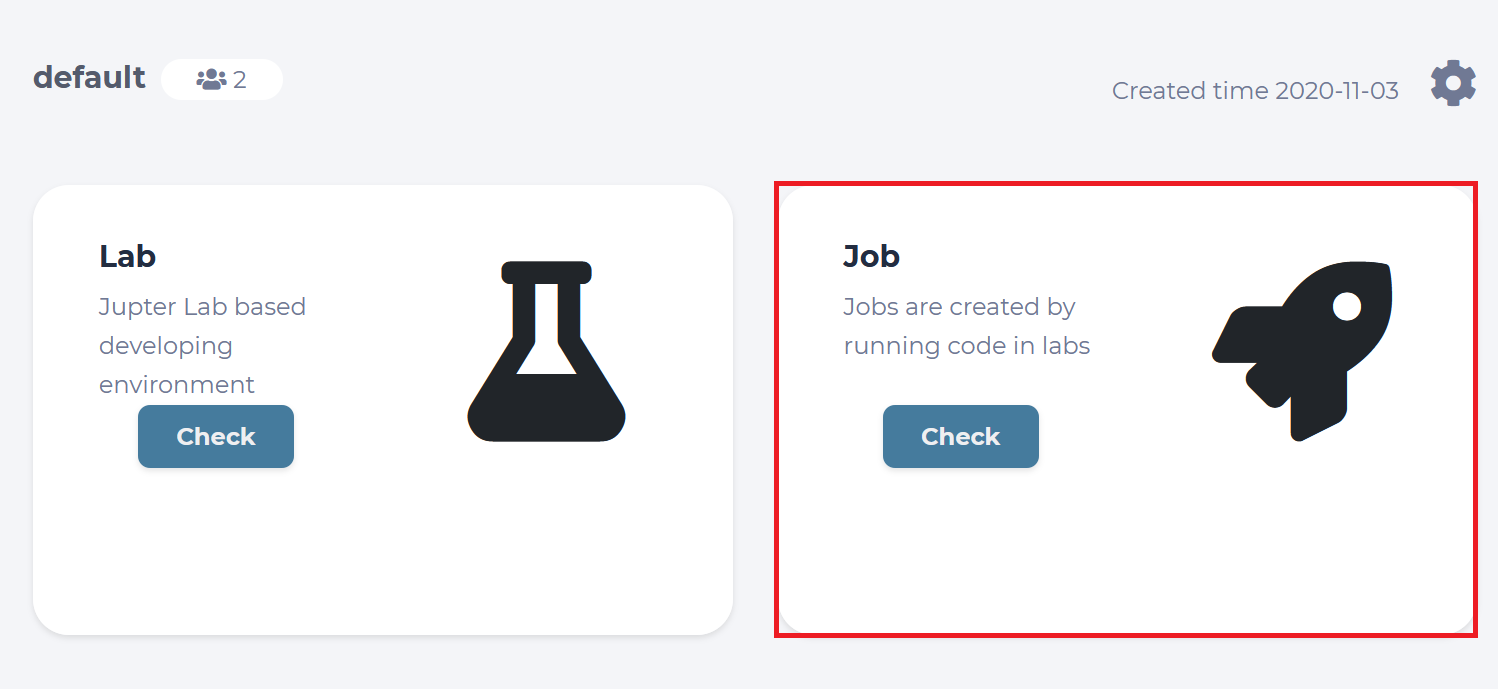
Go into project page. Enter the “Job” board by clicking “Check”.
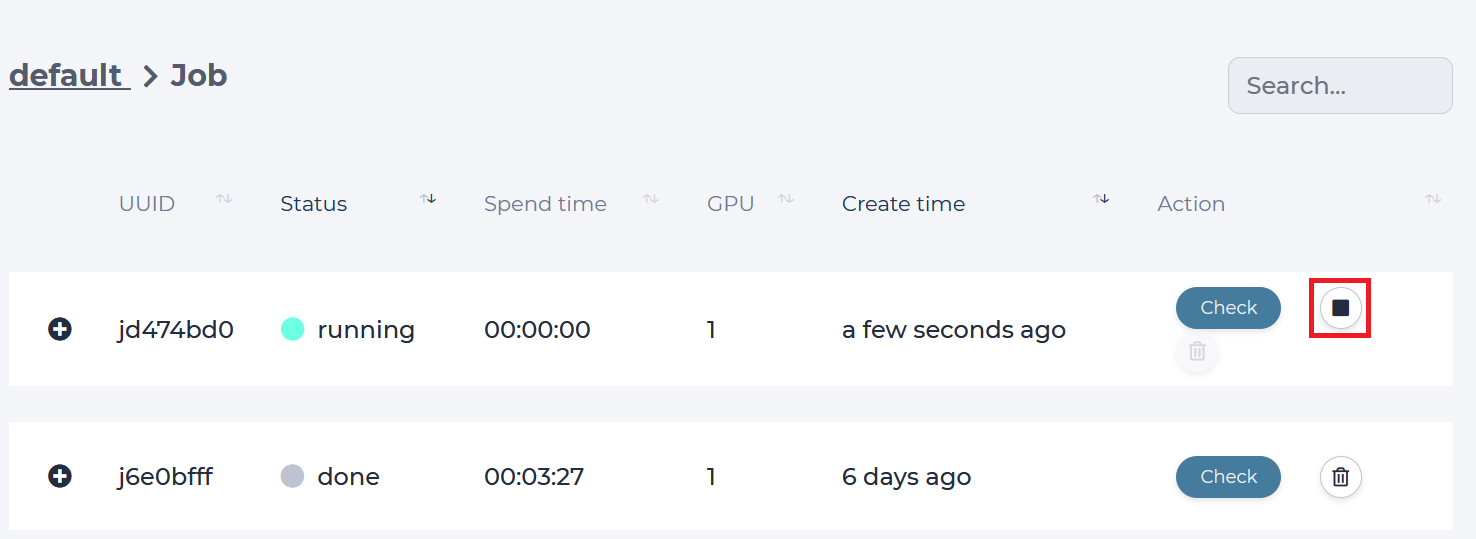
List of jobs belonging to project will show up. Click on job’s id or screen icon next to it to see details.
Stop job
Click on stop icon next to running job id.
Delete job
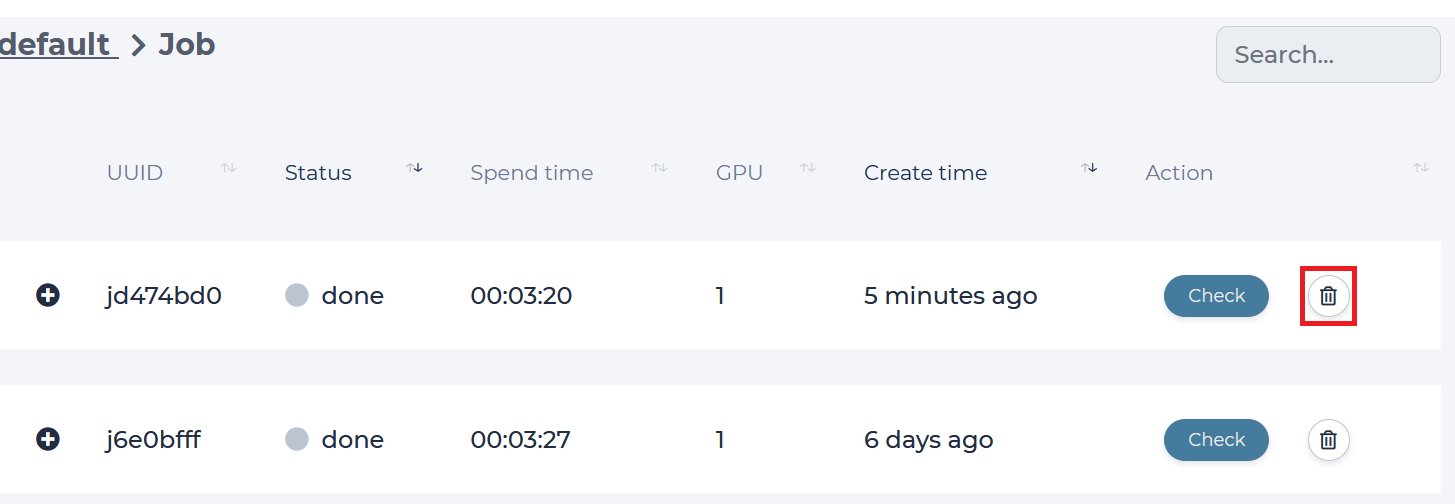
First stop job, if it is running. Click on trash icon next to job id.
Metrics of job
- First You should define your program output to fit below format:
[Group] [x-axis]=[x-value] [y1-axis]=[y1-value] [y2-axis]=[y2-value]…[yn-axis]=[y2-value]
“Occur Only Onece”
[Group] can be those words: Validation, Train, Test
[x-axis]: Step, Iter, Epoch
“Occur Many”
[yn-axis]: Any words you like, such as loss, mvp, avg, acc….
Every [y-axis] will output a metrics, and prefixed by [group]. For example, ‘Train_loss’.
There are 2 output examples:
Train step=10 loss=0.818 acc=0.95
=> Produce two metrics: Train_loss(x:step, y:loss), Train_acc(x:step, y:acc)
Validation epoch=1.66 loss=0.818 acc_top5=0.95 acc_top1=0.8
=> Produce three metrics: Validation_loss(x:epoch, y:loss), Validation_acc_top5(x:epoch, y:acc_top5), Validation_acc_top1(x:epoch, y:acc_top1)
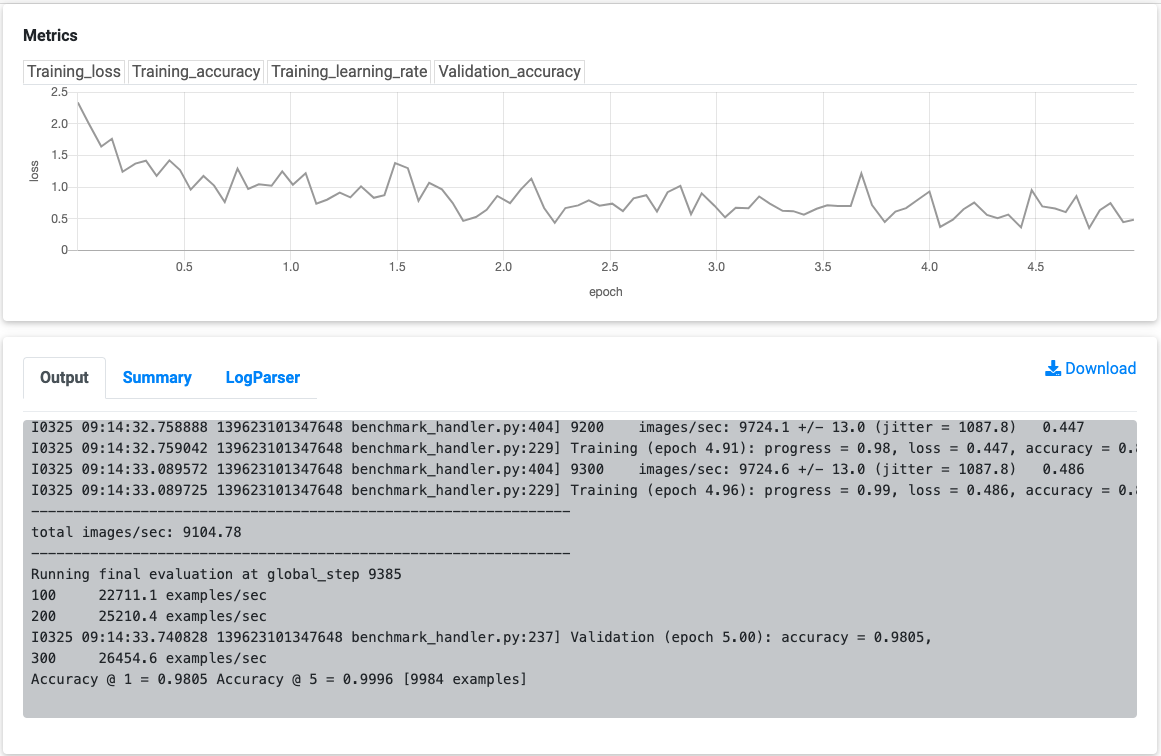
A example of metrics and output:
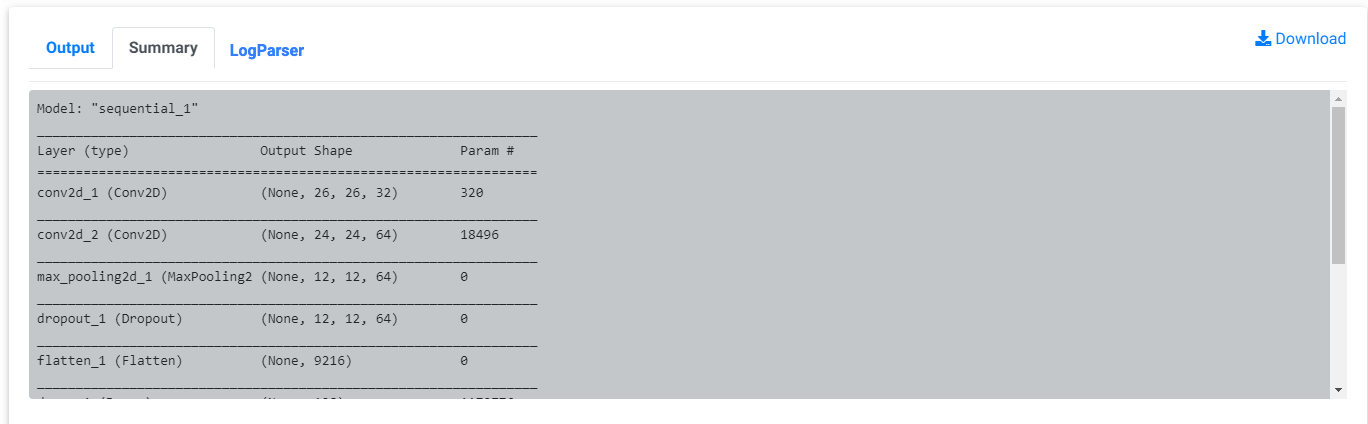
Model summary
Job will parse model summary from output log. It will show on summary tab. For now, it can support “Keras”, “Pytorch”, “tensorflow2.0” platform.