Infrastructure
Add a Host
To add a host:
Click on the ADD button.

Follow the instructions displayed:
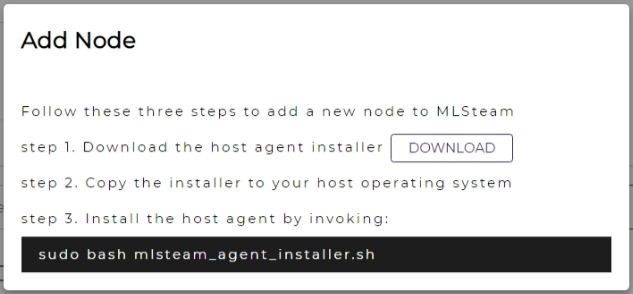
Download the host agent installer.
Copy the host agent installer to the host to add.
Run the host agent installer on the host to add.
sudo bash mlsteam_agent_installer.sh
Note
Replace the installer’s file name with the actual one.
(Optional) After the installation is finished, you may check the logged messages.
sudo journalctl -f -u mlsteam_agent_xxx.xxx.xx.xx_xxxx.service
Note
Refer to the end of the installer outputs for the actual journalctl command to run.
The host added will be in the list. Reload the page if the list has not been updated.
Click on the AUTHORIZE button. The status of host will be Online.


Delete a Host
To delete a host:
Select the host.
Click on the DELETE button.

Confirm the deletion.
Monitor a Host
The host area displays the following real-time monitoring data:
Status: host running status
Compute: CPU utilization
Memory: memory utilization
GPU: GPU utilization
Running tasks: number of running tasks
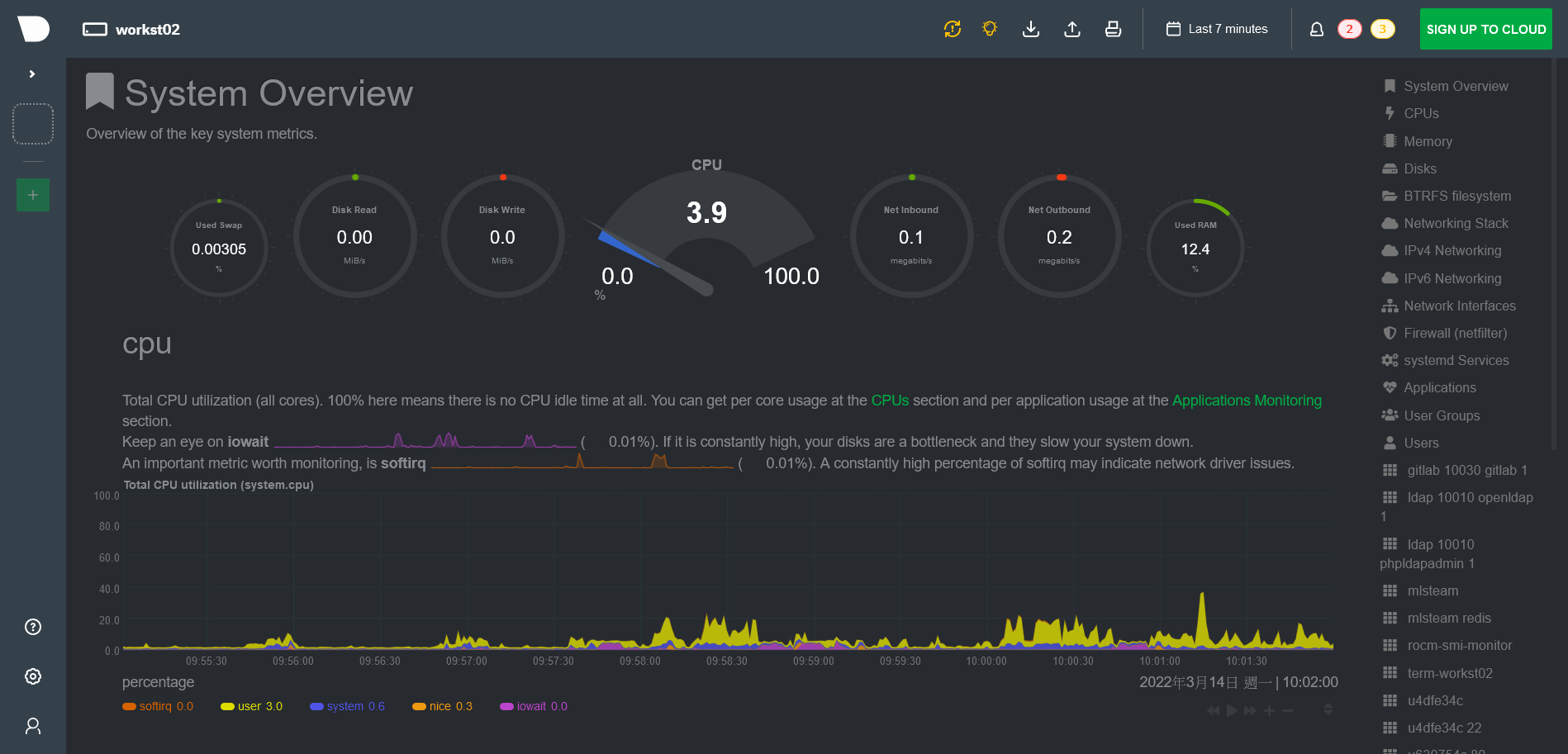
A detailed real-time Netdata monitoring dashboard is available by clicking on the links of host names. A new browser window will be opened with the updated metrics for CPUs, memory, storage, and networking.