User Profile
To view or change the user profile’s settings:
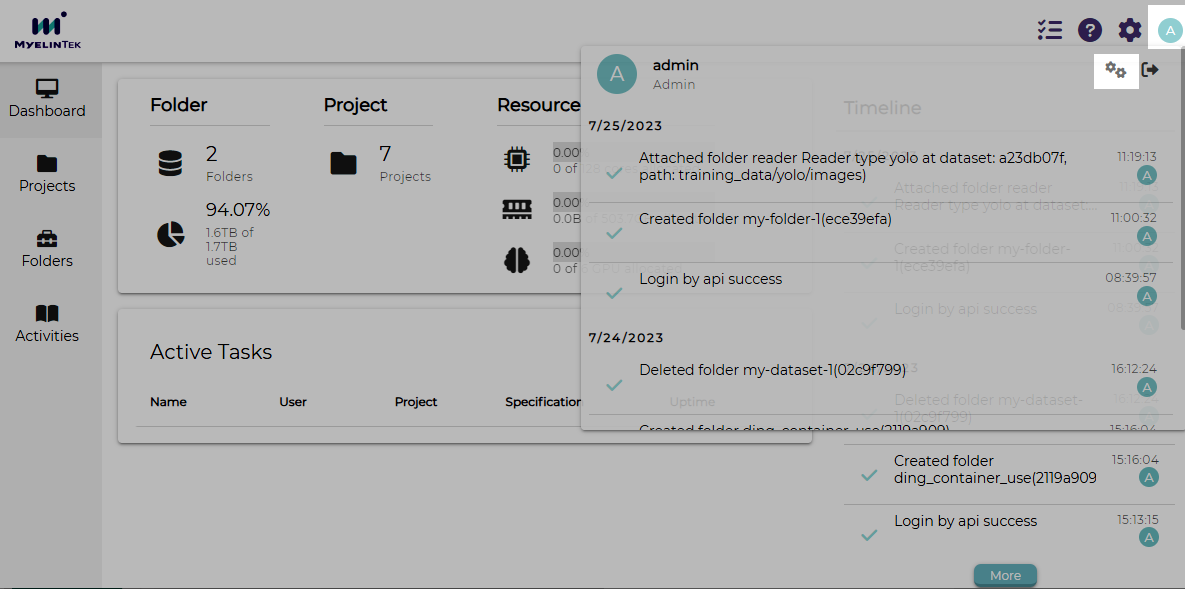
Hover over the user icon at the top-right corner.
Click on the settings icon.
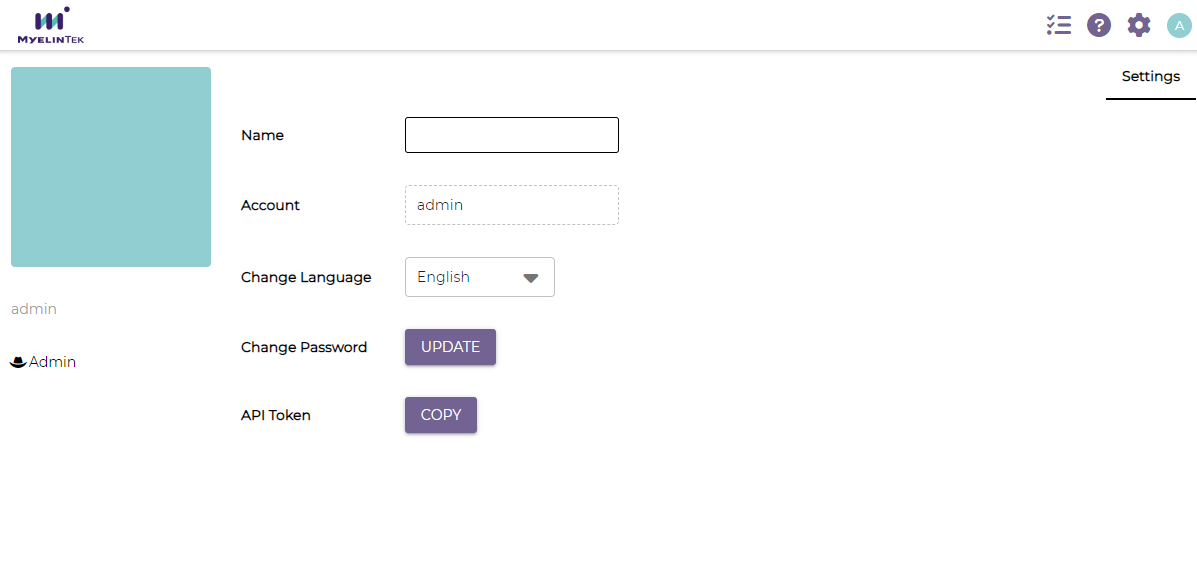
The user profile’s page is displayed.
Change Password
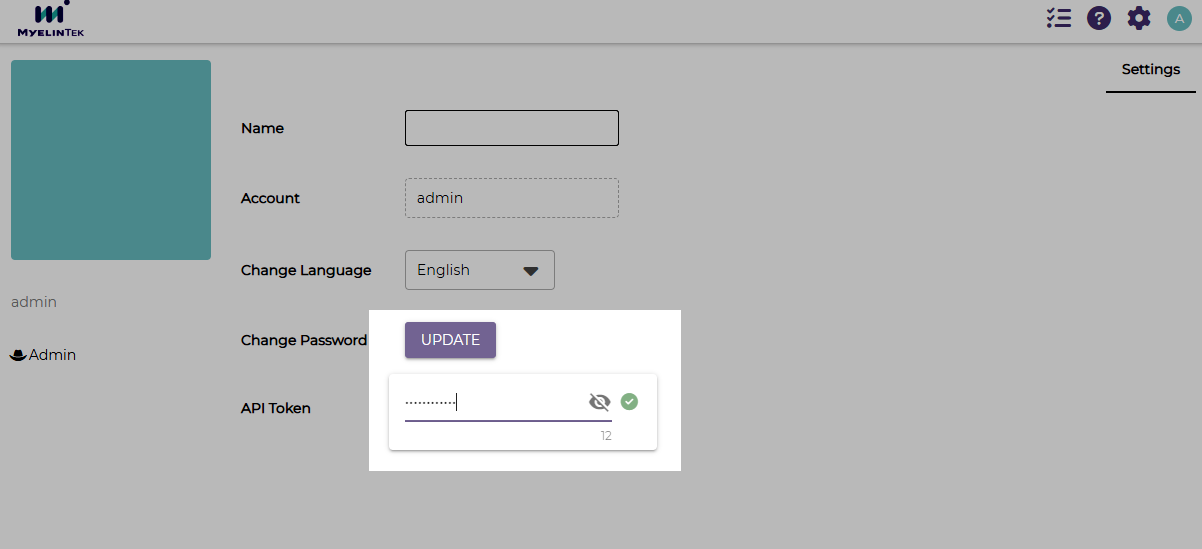
On the user profile’s settings page, click on the CHANGE button.
Input the new password.
Click on the check button.
Note
Use the new password at the next login.
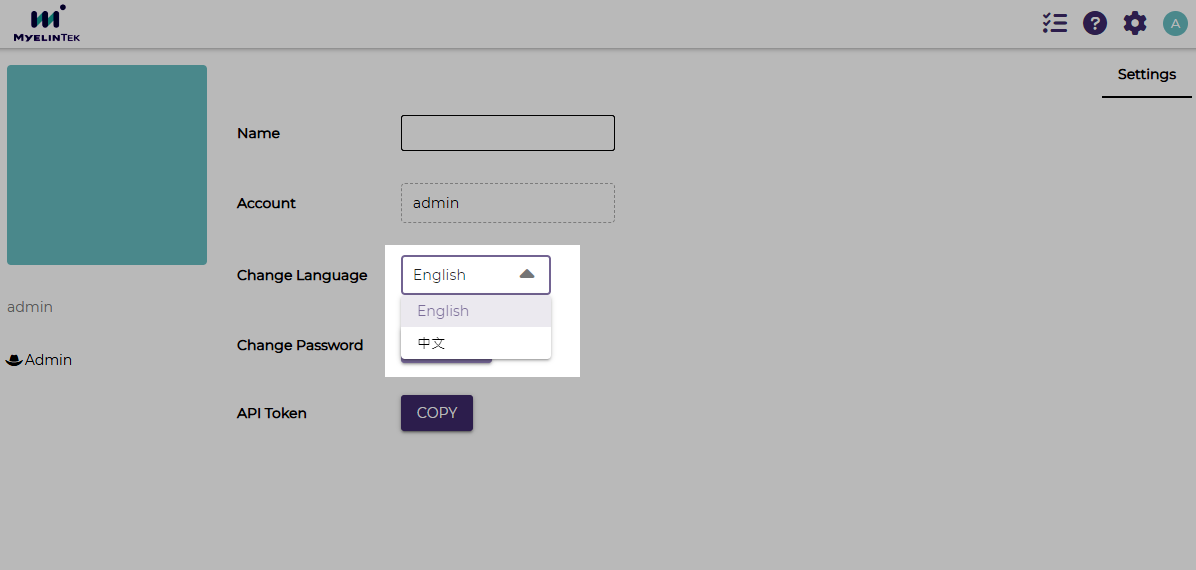
Change Language
On the user profile’s settings page, click on the language menu.
Select the language to display.