Model
A model is a collection of files that record a trained ML model.
Create and Manage a Model
To create a model:
In the models page, click on the NEW button.

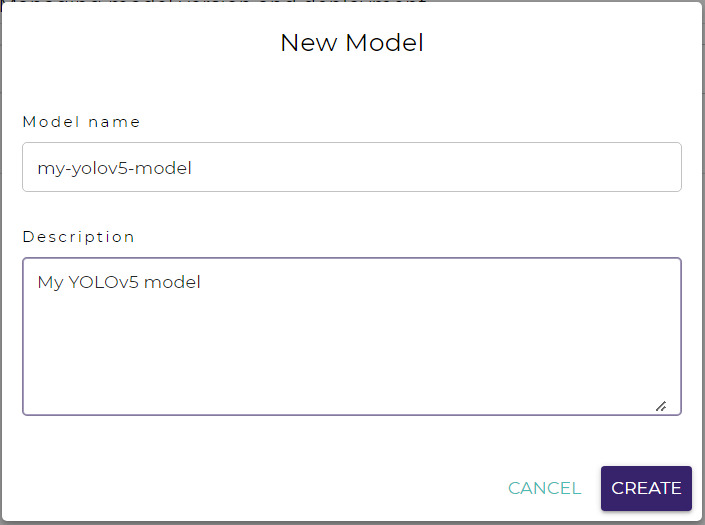
Fill in the model name and description in the dialog.
Click on the CREATE button.
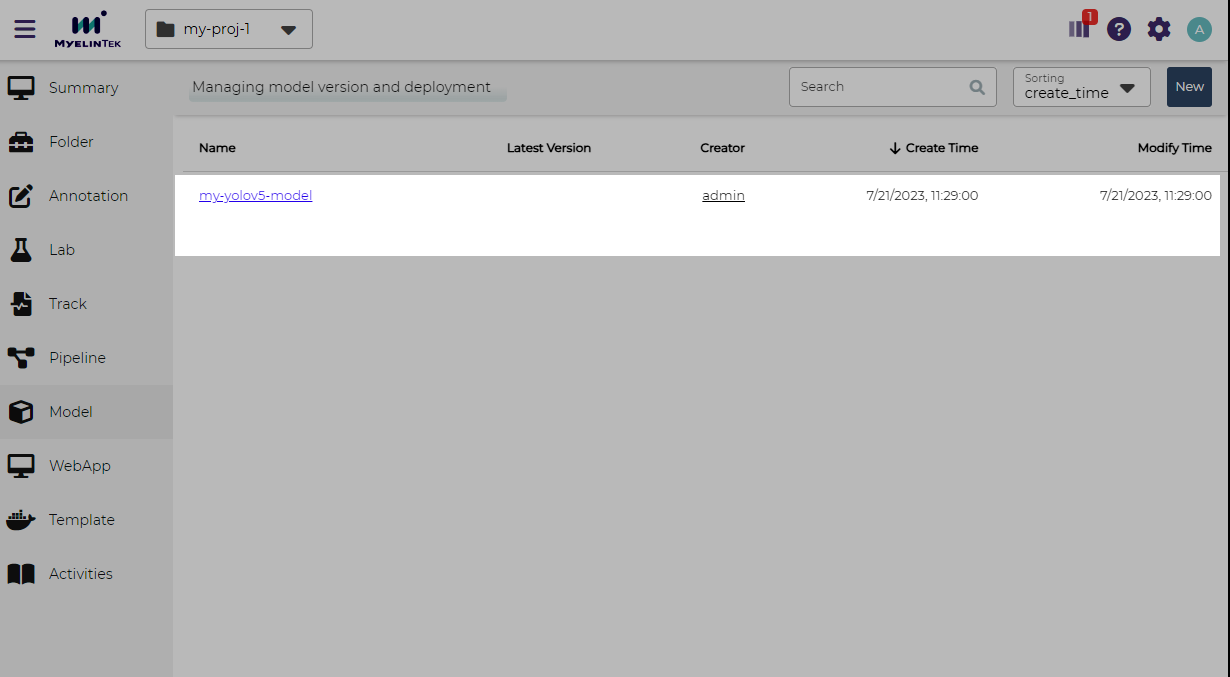
Go to the model page by clicking on the link of model.
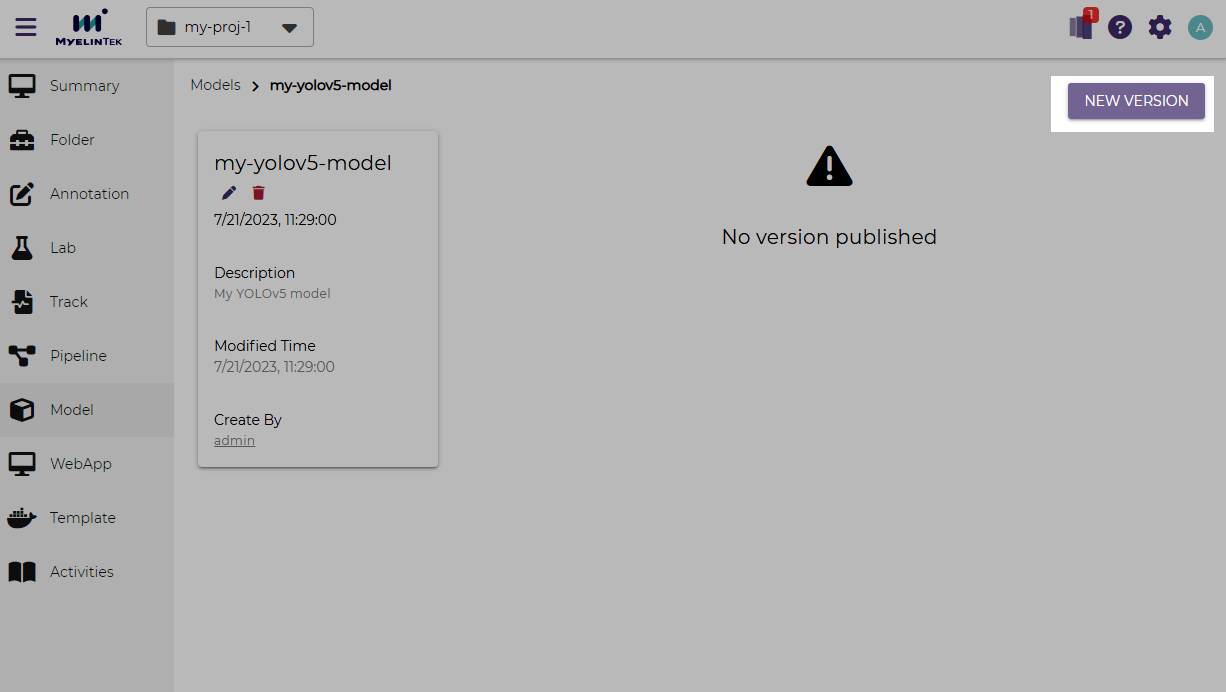
Click on the NEW VERSION button.
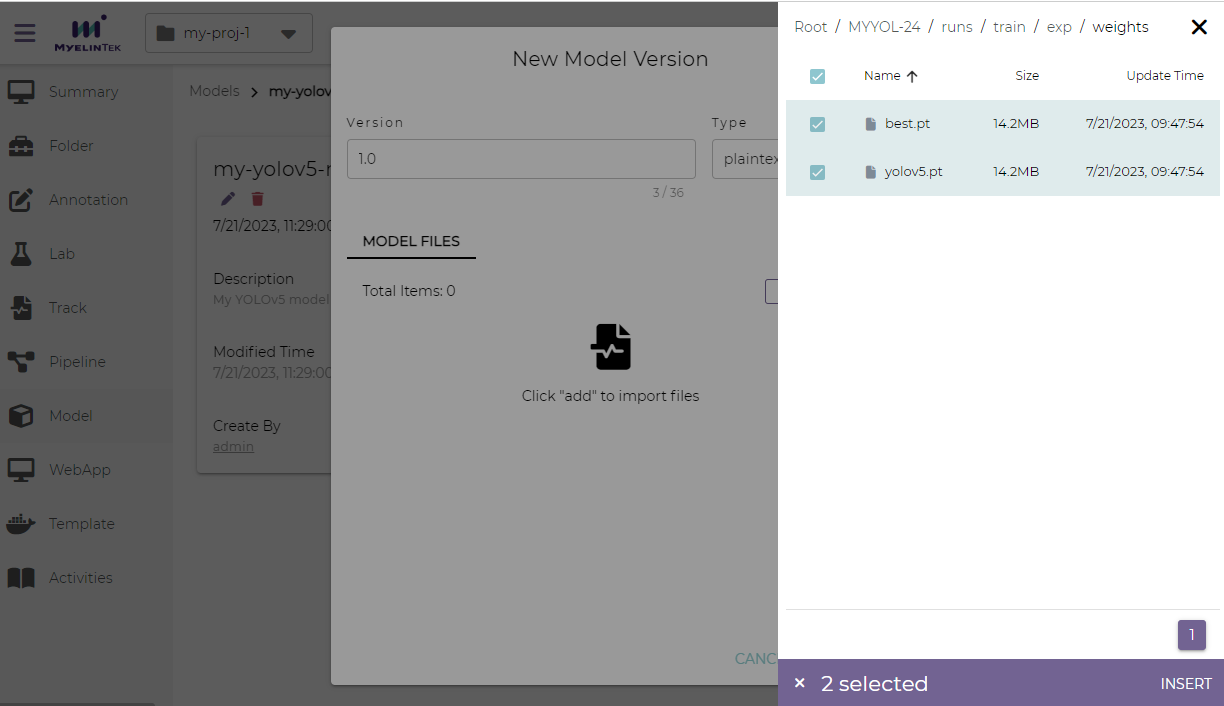
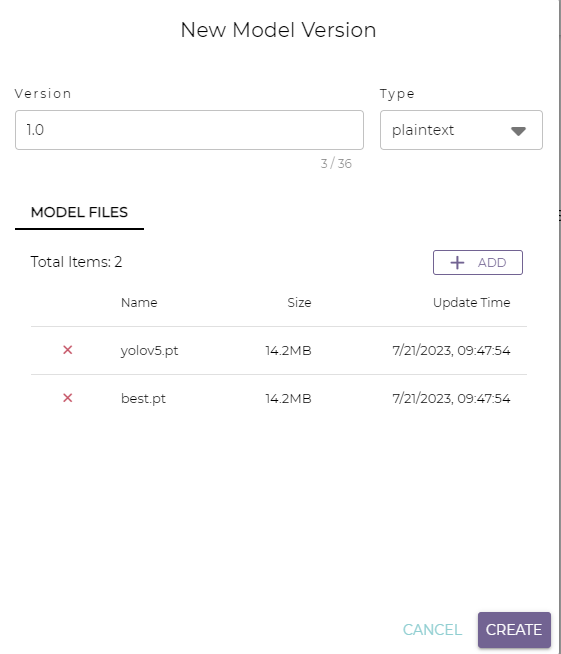
Fill in the model version and select the model files. The model files could be selected from a track or from a folder.
Note
To select the model files, choose the data source (a track or a dataset), select one or multiple files or folders, and then click on the INSERT button.
You may repeat this step to add more model files from different sources or folders.
Click on the CREATE button.
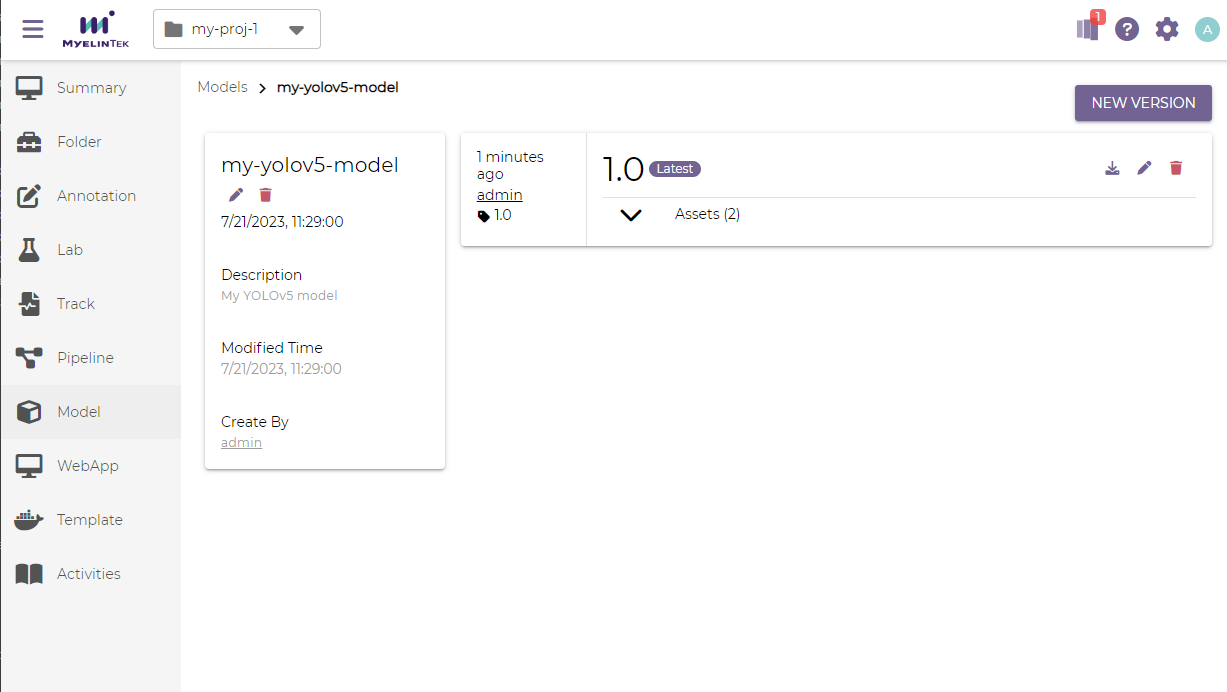
The new model version will be displayed.
Delete a Model
To delete a model version:
Click on the delete button for the model version.

Click on the OK button.