Object Detection
This part will show how to train object detection model from template.
Quick start
On the top bar click “Template”.
Then click “Use Template” on the object detection card. This will create an object detection project named “objectdetection” with Pascal dataset already attached to it.
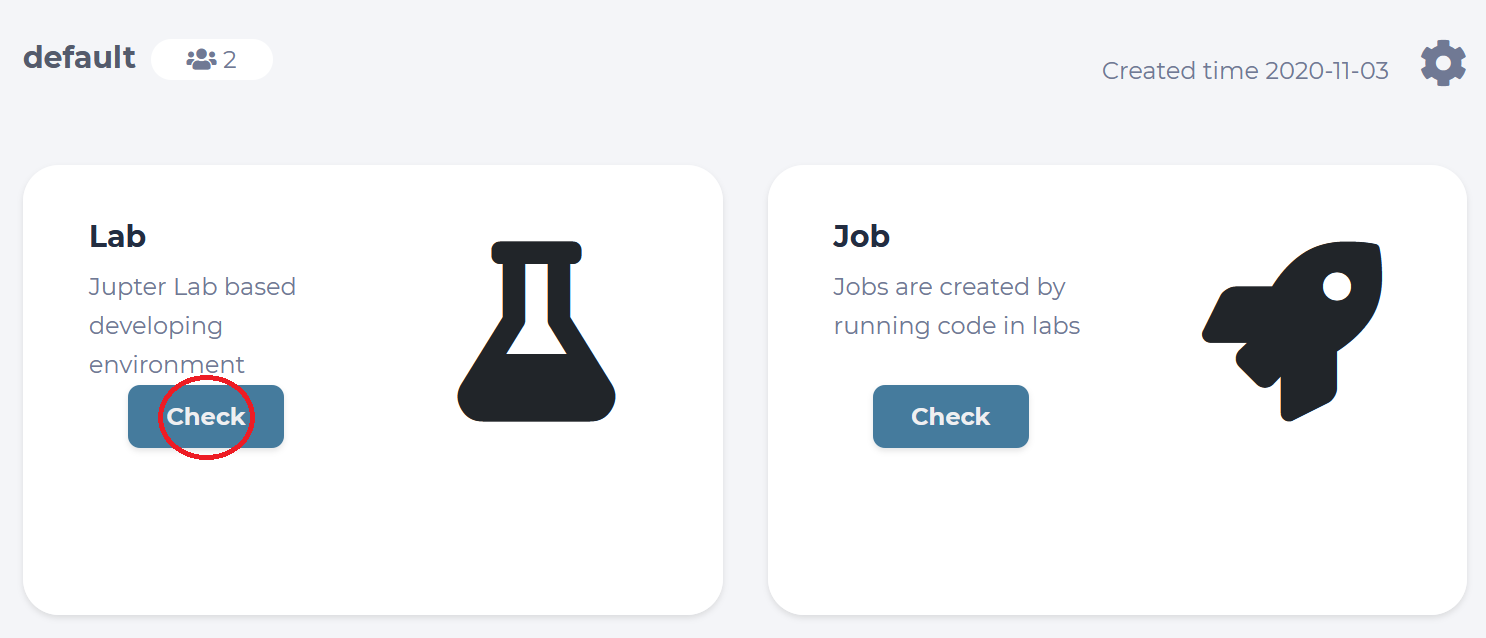
In the lab page, click “Commit and run”. This will start training job from the template code and redirect to the jobs list page.
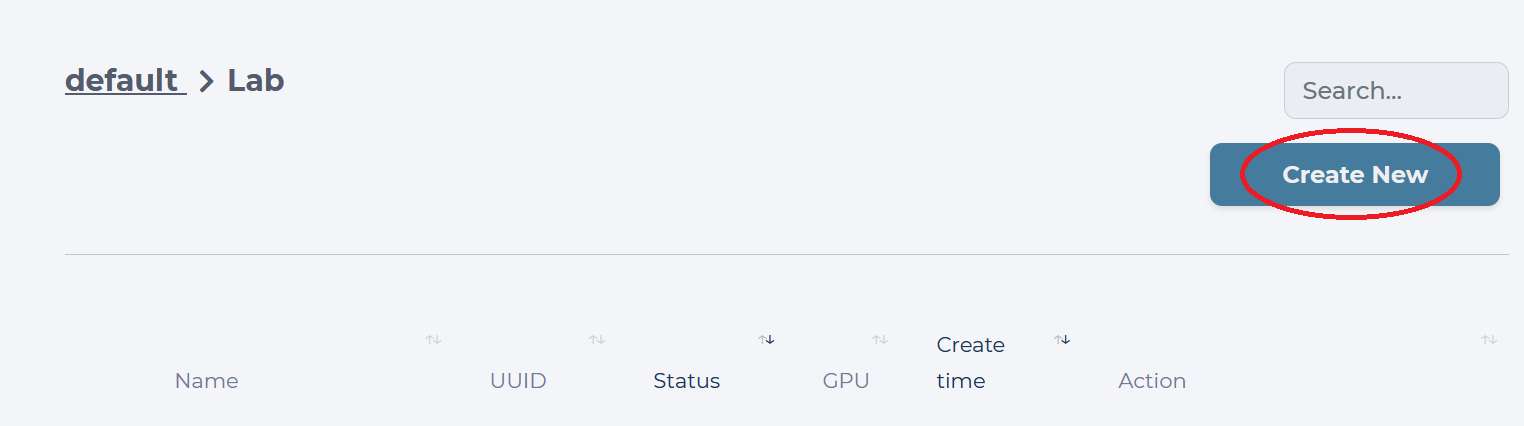
Click on the job id or screen icon to view training progress.
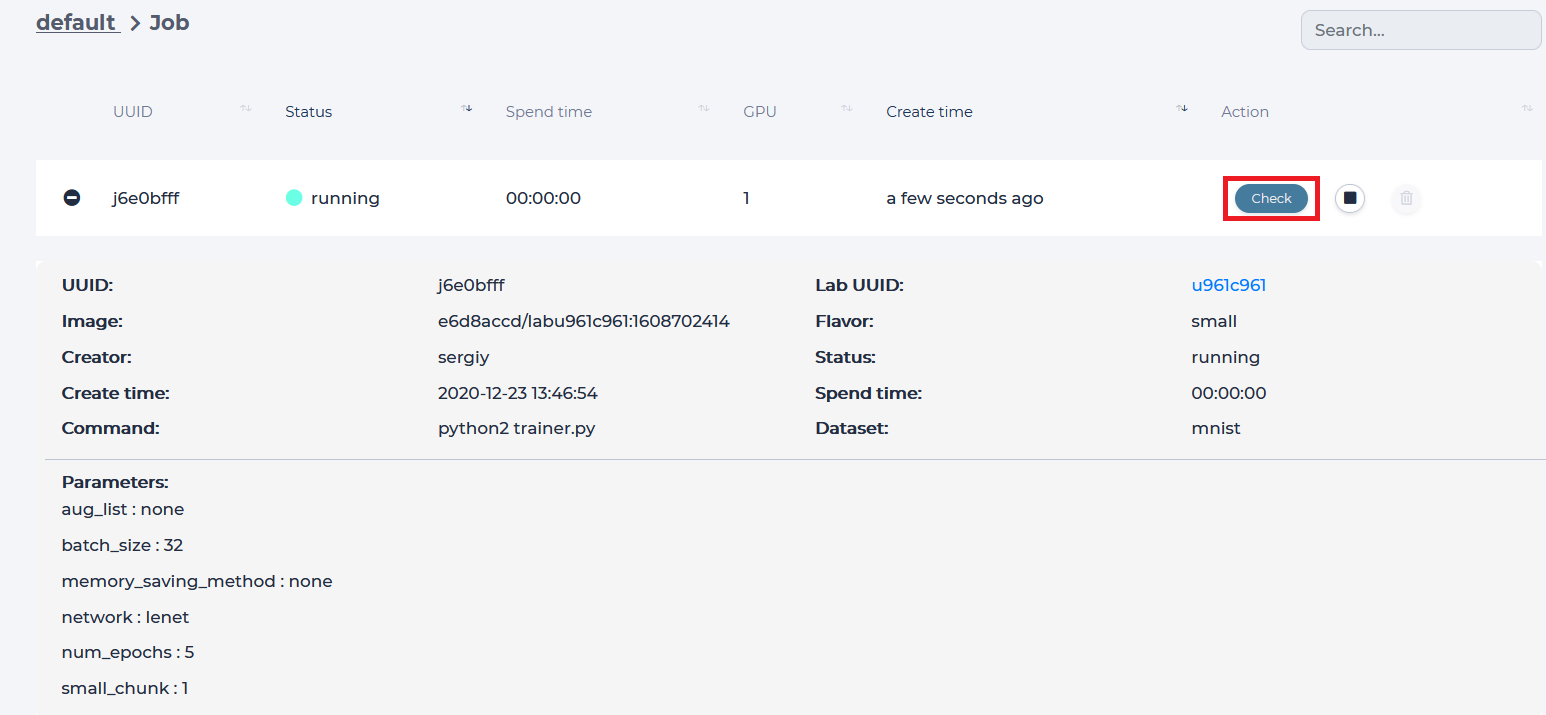
Job page displays
Loss value graph and graphs for three regions each with 50% and 75% recall value.
Log output
Configuration file (mlsteam.yml)
Used docker image name, gpus, status, status button (top panel)
Inference example
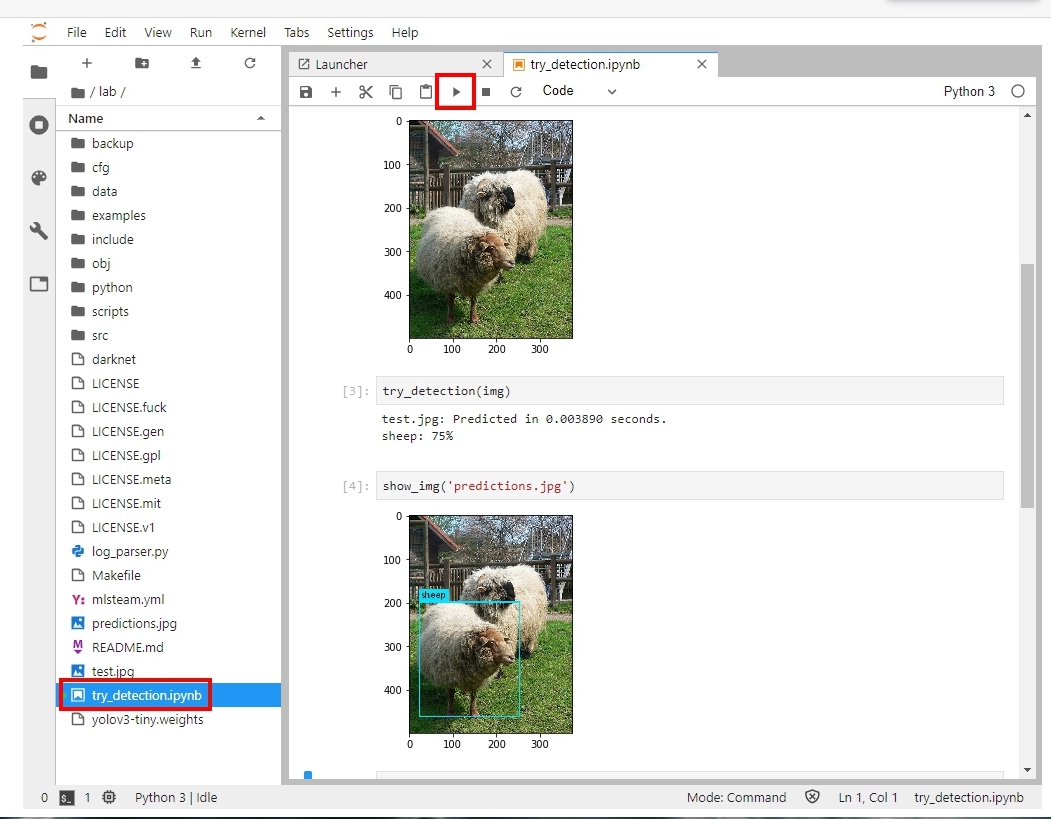
Back to the Lab page, open the file ‘try_detection.ipynb’ in jupyterlab. Click run multiple times to examine a pretrained yolov3-tiny.weights file.
If you want to follow the YOLO webside (https://pjreddie.com/darknet/yolo/) to train the yolo model step by step.
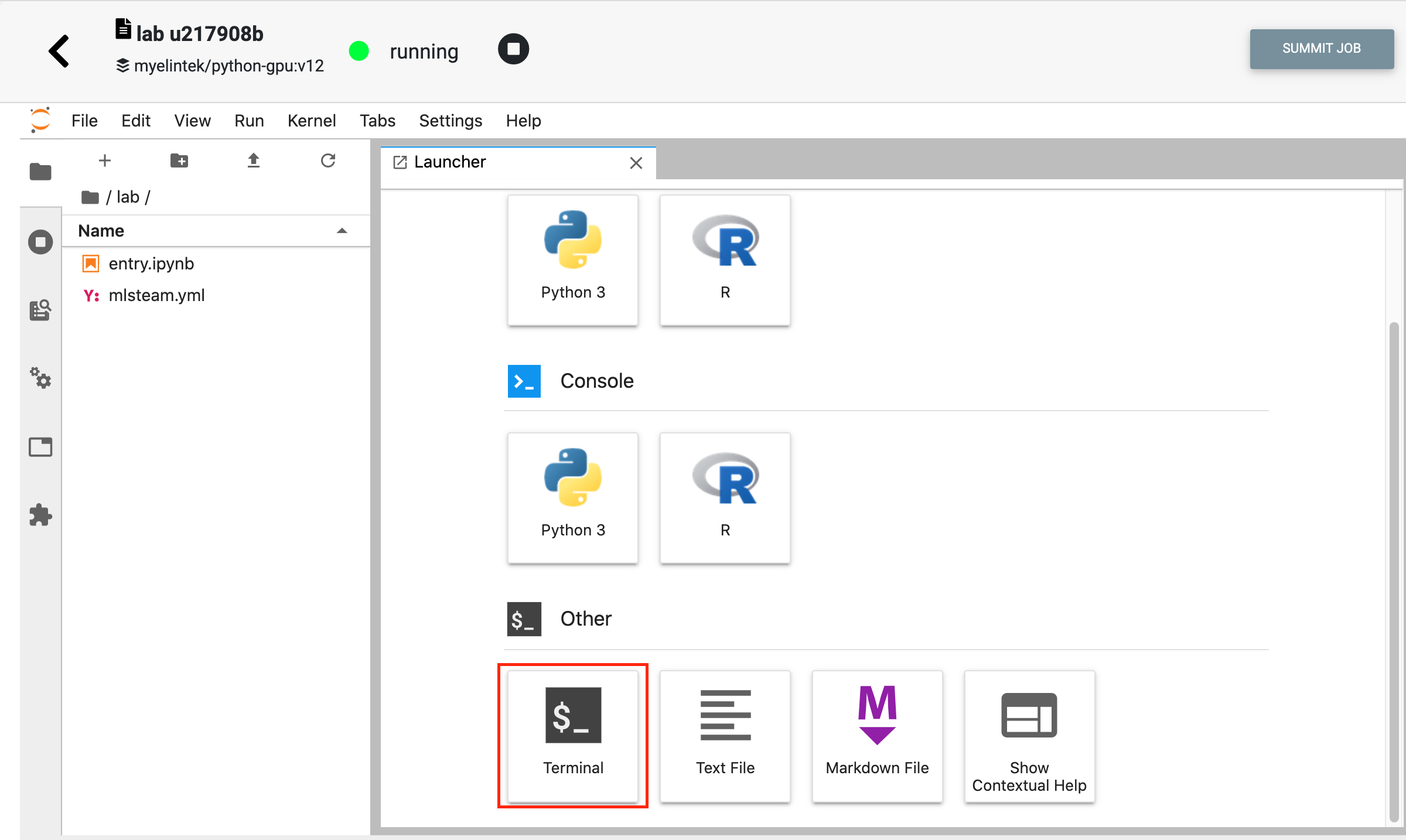
You can launch a new lab and execute the terminal then follow the instructions provided in the YOLO webside.
Custom dataset
1.Prepare your data set
Before starting to train, you must prepare your data for object detection. To prepare your data, you can use VoTT (Microsoft’s Visual Object Tagging Tool) to and annotate images. https://github.com/microsoft/VoTT
2.Prepare YOLOv3 configuration files
YOLOv3 needs certain specific files to know how and what to train. You must create these three files(.data, .names, and .cfg)
3.Upload your dataset. (Please see the page: Create dataset). Attach dataset to the lab
4.Check the file voc.data (/lab/cfg/voc.data)
classes = 20 #number of class in your data set
train  = /mlsteam/input/pascalvoc/train.txt #relpace to your train file path
valid  = /mlsteam/input/pascalvoc/2007_test.txt #replace to your test file path
names = data/voc.names #class names file
backup = /mlsteam/input/backup
Tip
backup: backup the weights files to your dataset path.
The public dataset(pascalvoc) is read only.
Please make sure you have already create/clone your own dataset.
Please see the page Create dataset for creating or cloning the dataset.
5.Check the file data/voc.names
Every new category should be on a new line.
aeroplane
bicycle
bird
boat
bottle
bus
car
cat
chair
cow
diningtable
dog
horse
motorbike
person
pottedplant
sheep
sofa
train
tvmonitor