Marketplace
Some useful services could be installed in marketplace.
To install a service, click on the INSTALL button for the service.
To customize a service, click on the VIEW button for the service.
To delete a service, click on the REMOVE button for the service.
GitLab
Basic settings:
FQDN: fully qualified domain name, or IP address (along with port number)
Port: port number for the GitLab vservice
Web port: port number for the Web server
LDAP settings:
FQDN: URL for accessing the LDAP server with the ldap or ldaps protocol
Port: port number for the LDAP server
Base DN: distinguished name (DN) for search base
Bind DN: distinguished name (DN) for the user making queries
Password: password for the user making queries
Filter: query filter
UID: locating the user record given the username
HedgeDoc
Basic settings:
FQDN: fully qualified domain name, or IP address (along with port number)
Port: port number for the HedgeDoc service
Web port: port number for the Web server
Refer to the GitLab section for LDAP settings.
OpenLDAP
Basic settings:
FQDN: fully qualified domain name, or IP address (along with port number)
Port: port number for the OpenLDAP service
Web port: port number for the Web server
Account: distinguished name (DN) for the administrator
Password: password for the administrator
Mirror
Our plugin offers a robust solution for installing Python packages from the Python Package Index (PyPI) and Debian packages (DEBs) in an offline environment. This is especially useful in scenarios where internet access is restricted.
Introduction:
PyPI (Python Package Index): PyPI is a repository of software packages for the Python programming language. It provides a vast collection of Python libraries and tools that developers can easily install using tools like pip. However, in some environments, direct internet access may be restricted, making it challenging to install packages from PyPI.
DEBs (Debian Packages): DEBs are software packages used by Debian-based Linux distributions, such as Ubuntu. They contain pre-compiled software that can be easily installed on compatible systems. Our plugin supports the installation of DEBs for various Ubuntu versions, including “xenial,” “bionic,” “focal,” and “jammy.”
Using the Plugin:
To make the installation of these packages feasible in an offline environment, our plugin provides the following features:
Local Package Mirror Service: This service allows you to install Python packages and DEBs even without internet access.
Package Organization: For Python packages (PyPI), you can add packages in the form of .whl files. These files should be placed in the /whl folder. If the folder doesn’t exist, you can create it.
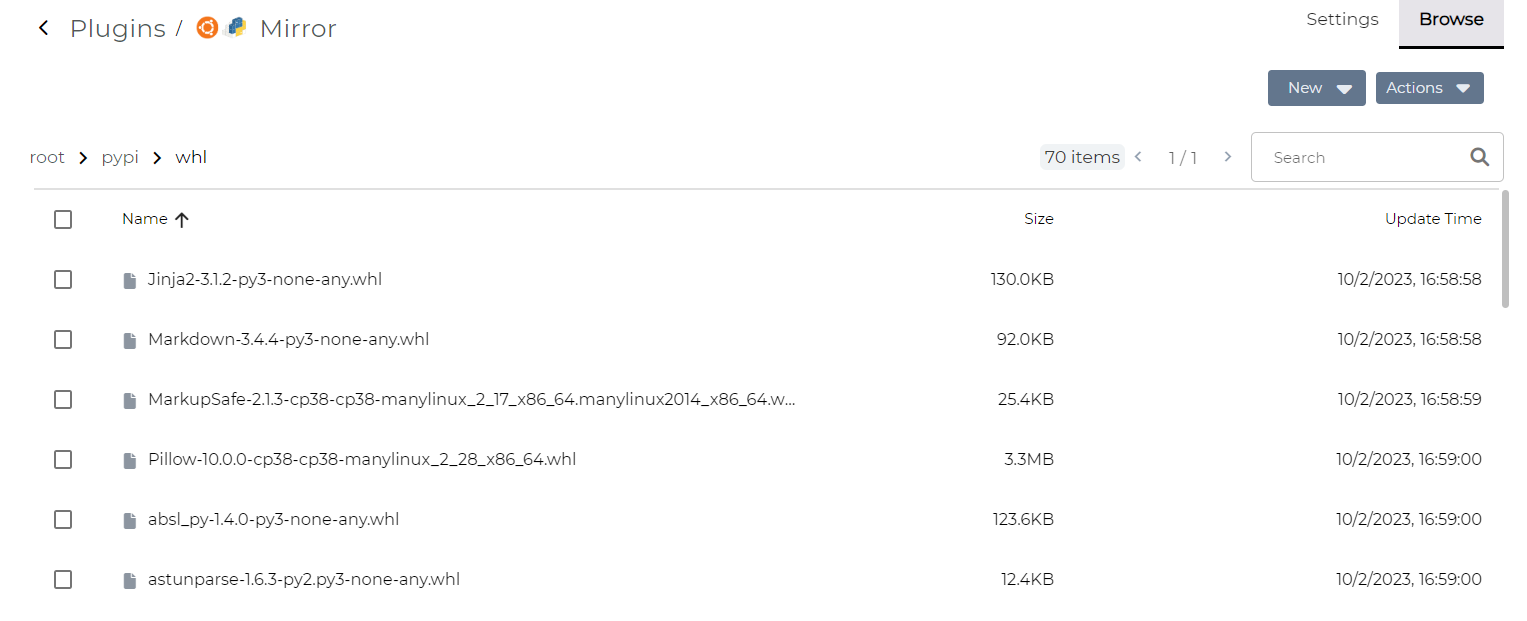
Support for Ubuntu Versions: DEB packages are organized based on different Ubuntu version numbers. Currently, our plugin supports four Ubuntu versions: “xenial” “bionic” “focal” and “jammy”. If the folder doesn’t exist, you can create it.
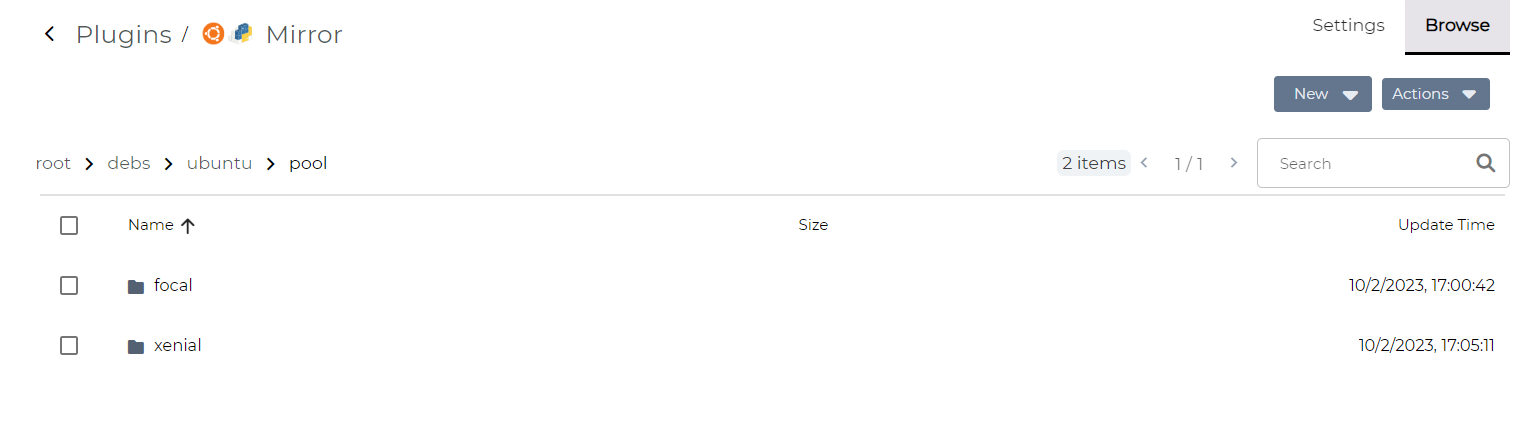
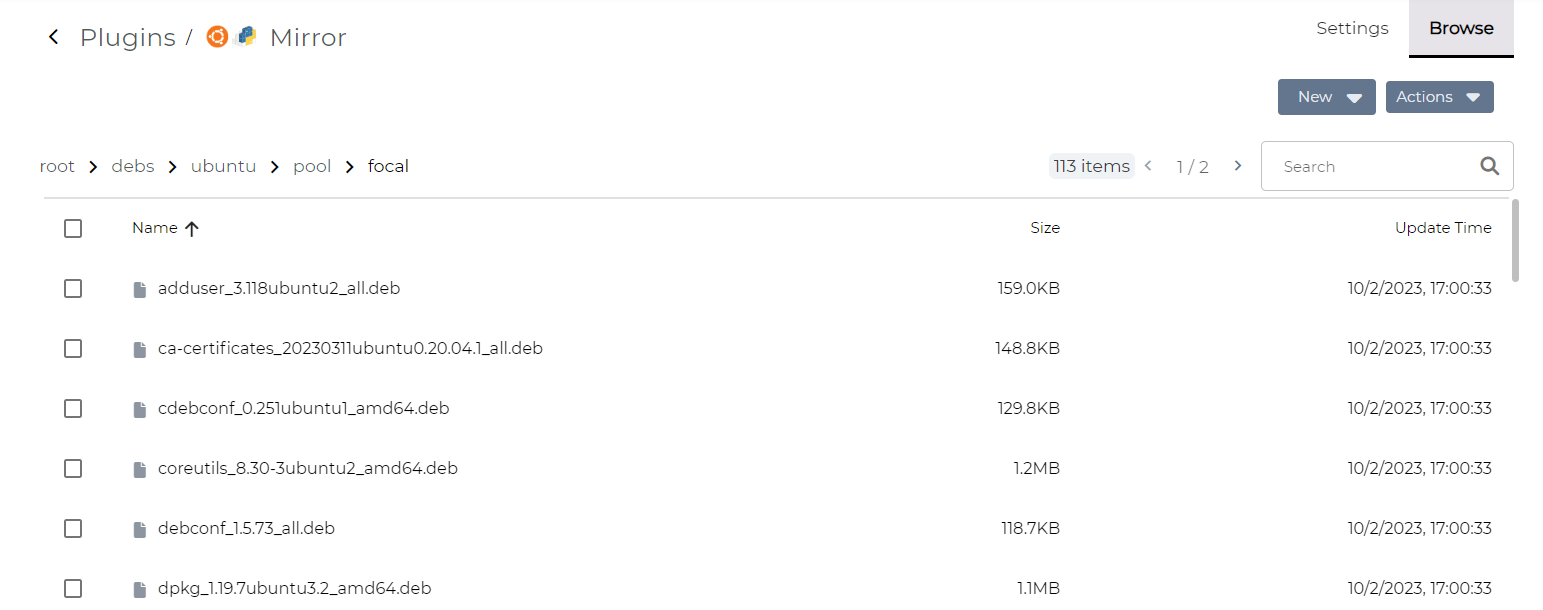
Package Metadata Update: After adding additional packages to the respective folders, you can click the “Scan and Update” button. This action updates the package mirror metadata, ensuring that your offline environment stays up to date with the latest packages.
By using our plugin, you can seamlessly manage and install Python and DEB packages in offline environments, streamlining your development and deployment processes.