Workspace
Note
This section is about an advanced feature accessible in VC projects.
A workspace is a special kind of folder accessible in VC projects that is version controlled and is mounted automatically in VC labs. In addition to normal folder operations, workspace supports synchronizing with upstream (remote) services.
Each project member has their workspace. A workspace for the project owner is created during project creation. Other project members may create their own workspace on demand.
Create a Workspace
To create w workspace:
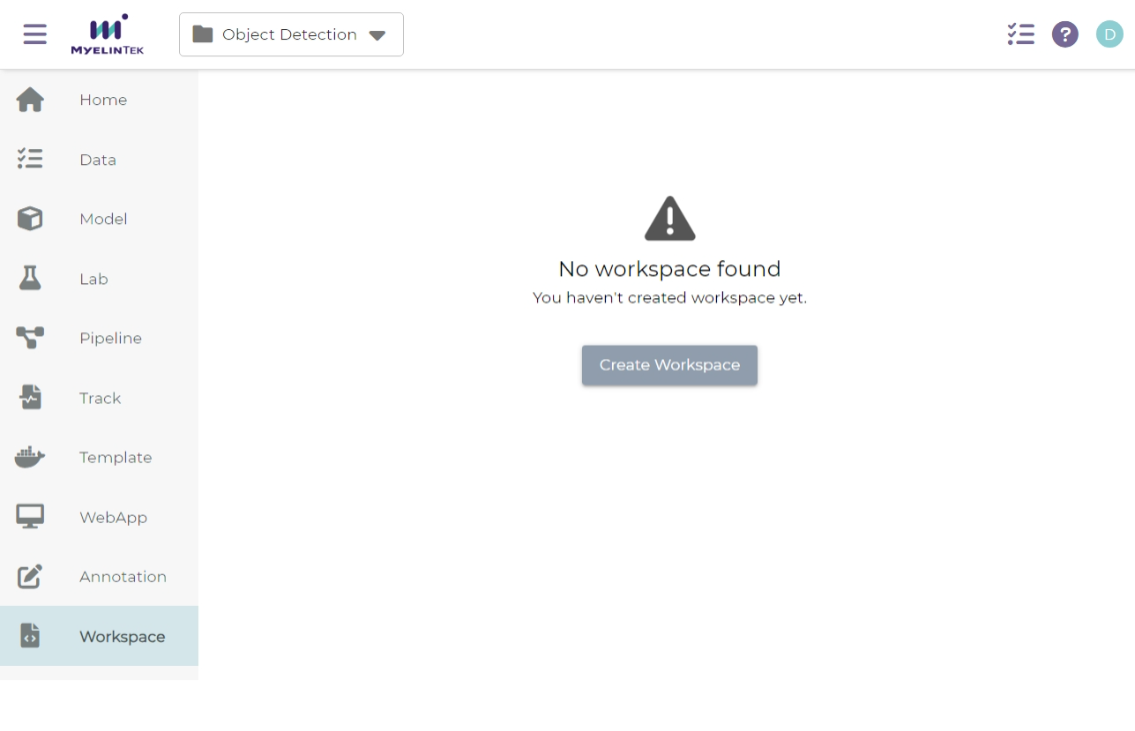
Click on the Create Workspace button in the workspace page.
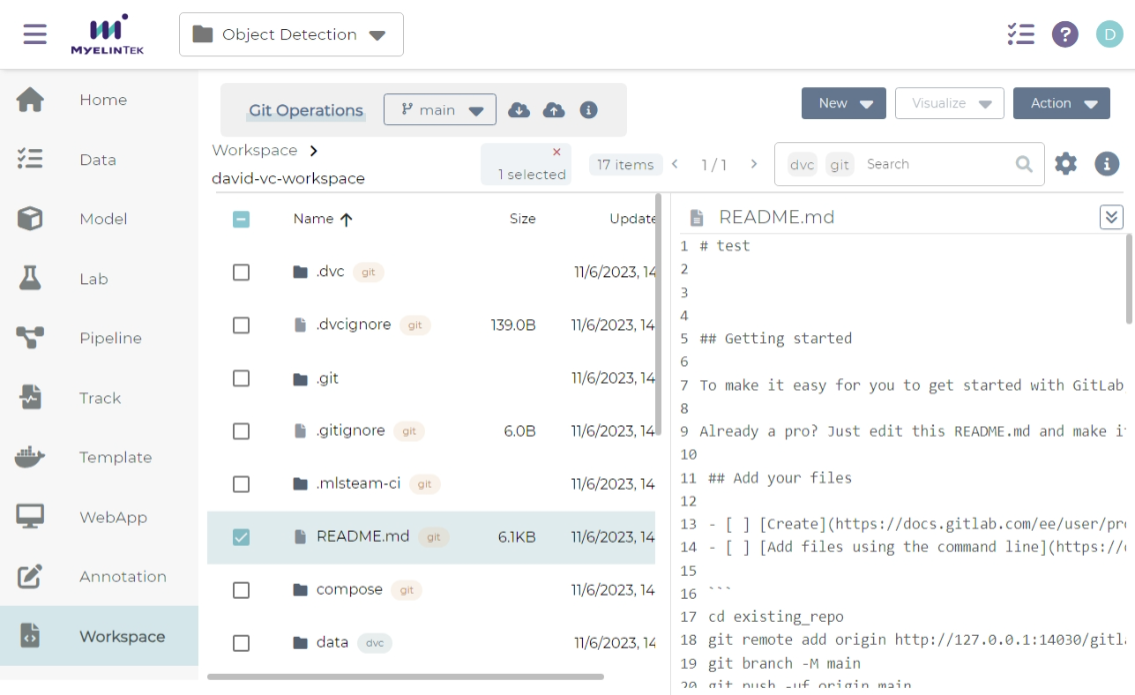
Click on the Create button in the confirmation dialog and wait for checking out data.
Pull Changes from Upstream
To synchronize changes from upstream services, click on the Pull button.

Push Changes to Upstream
To synchronize changes to upstream services:
Click on the Push button.

Check the changes and fill in the commit message.
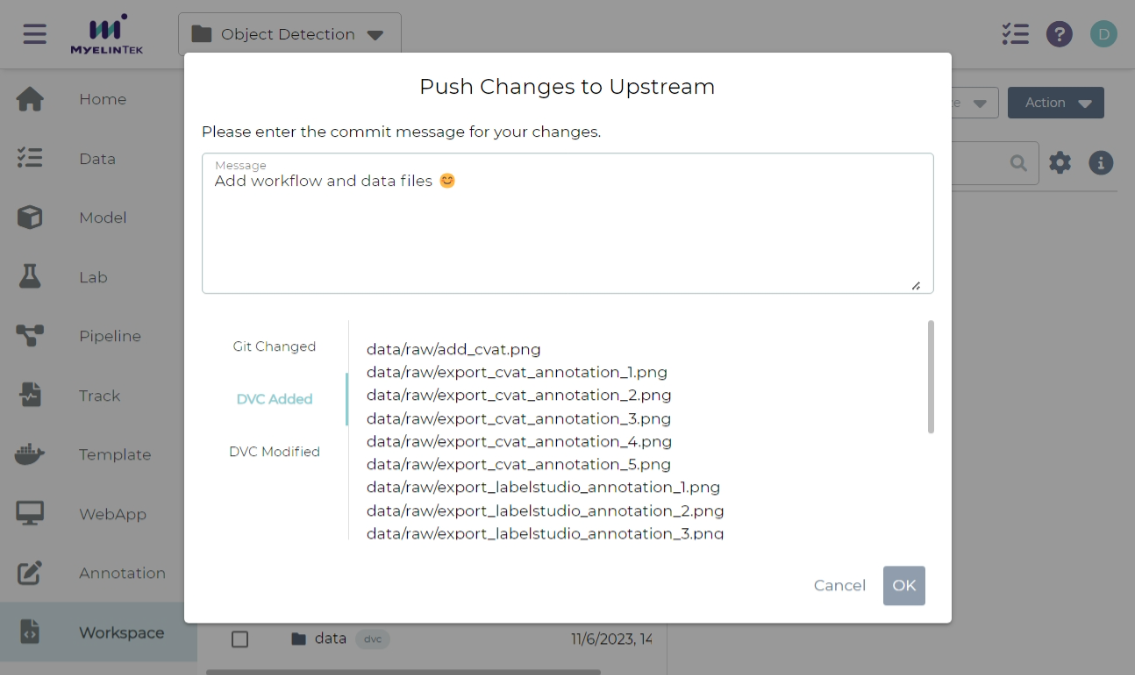
Click on the OK button.
View Upstream info
Note
Workspace simplifies interacting with the upstream servers. You can use workspace without knowing the information here.
Upstream info is useful if you need to manage data by yourself in other places.
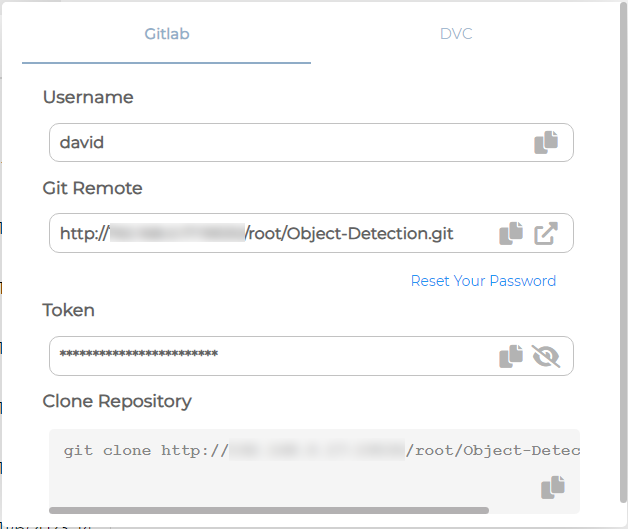
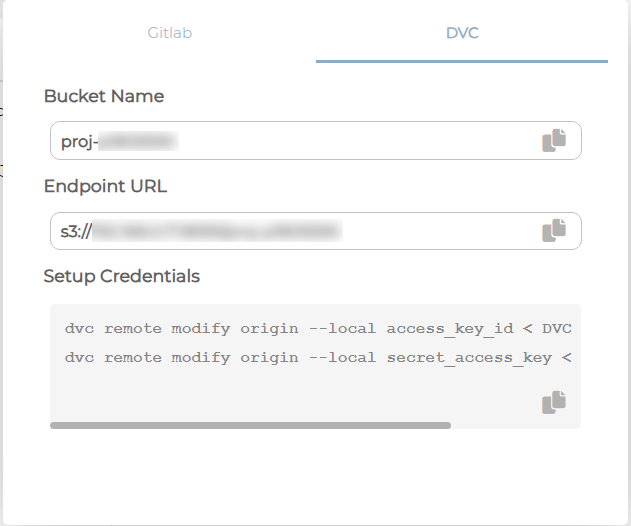
To view upstream service info, click on the Upstream Info button.