Project
A project is a collection of all artificats in developing ML models. A project consists of folder, labs, pipelines, tracks, models, WebApps, templates, and images.
Create a Project
To create a new project:
On the projects page, click on the NEW button.
Fill in the project name and optionally the description.
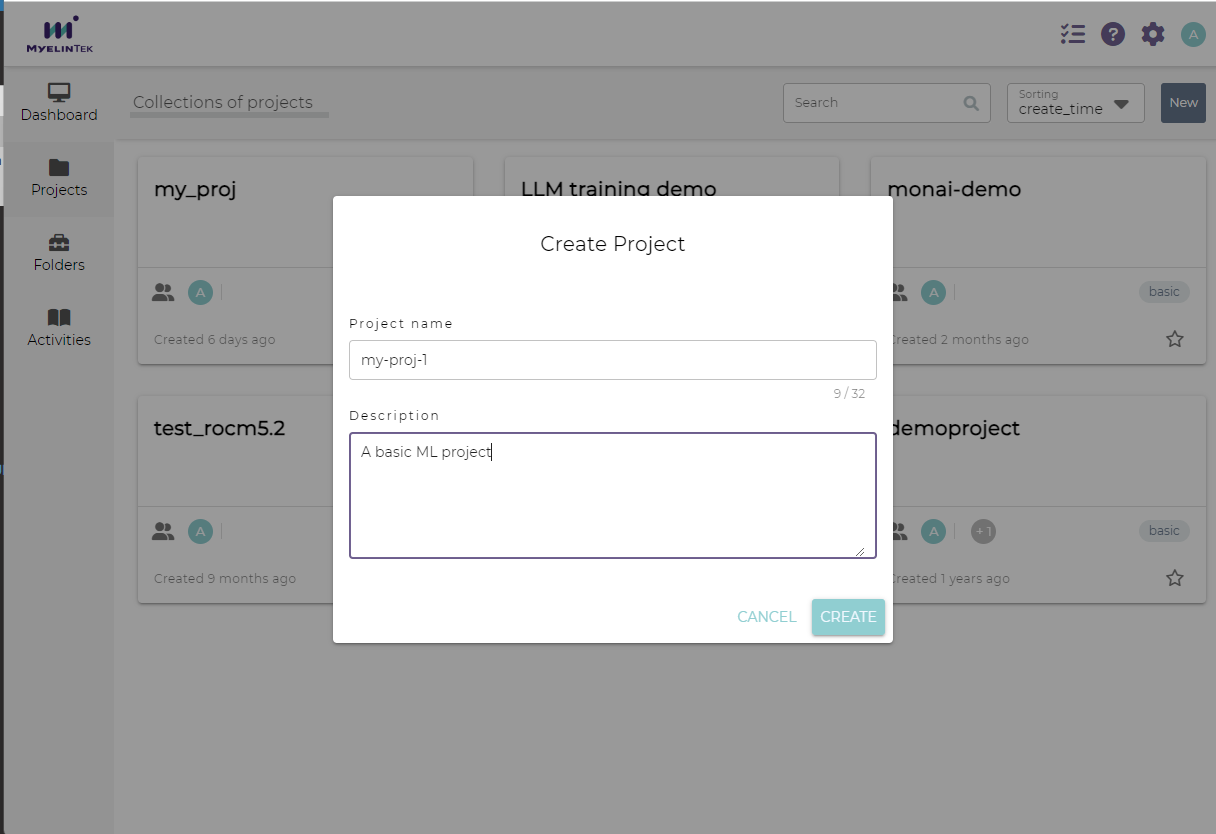
Click on the CREATE button.
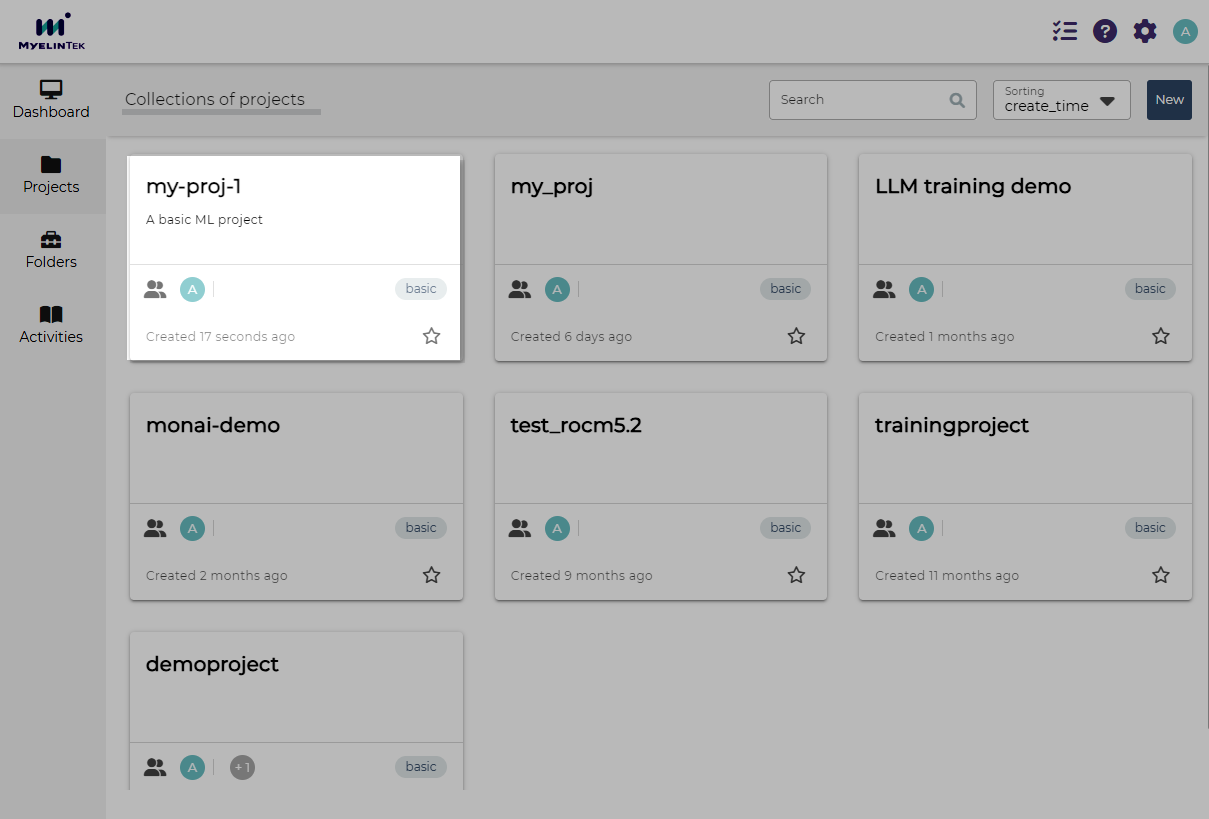
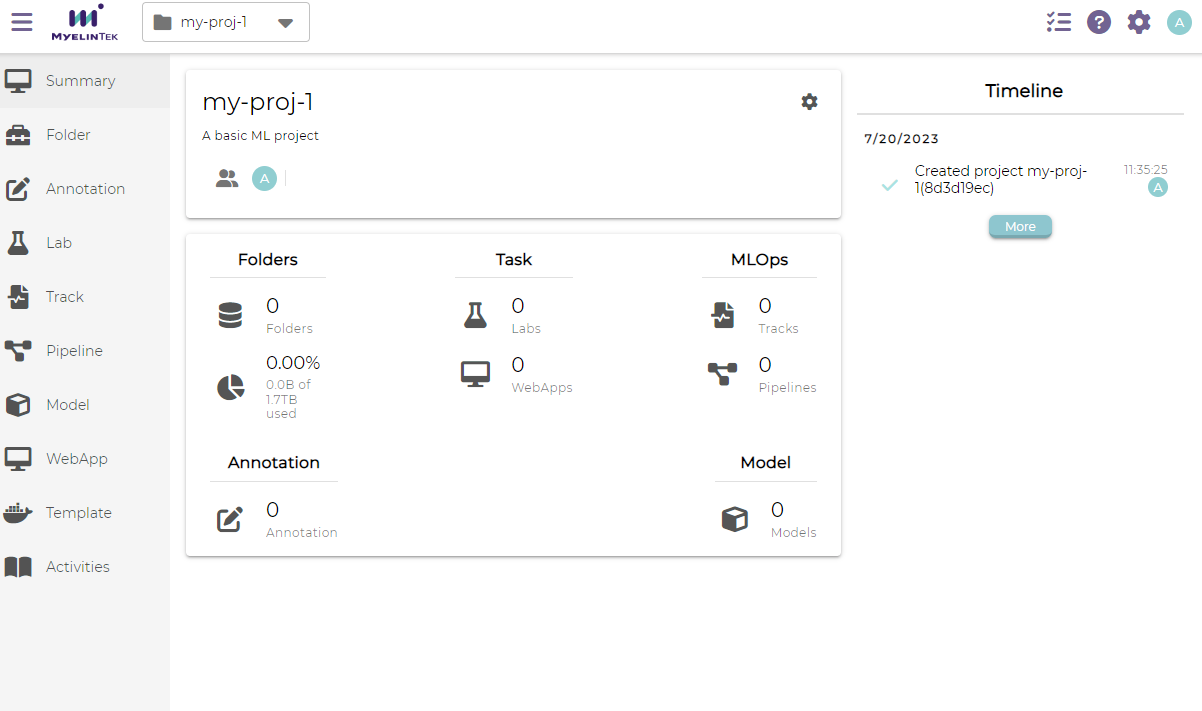
The new project is displayed as a card on the projects page. Project details are displayed by clicking on the project card.
Manage Members in a Project
To set the members in a project:
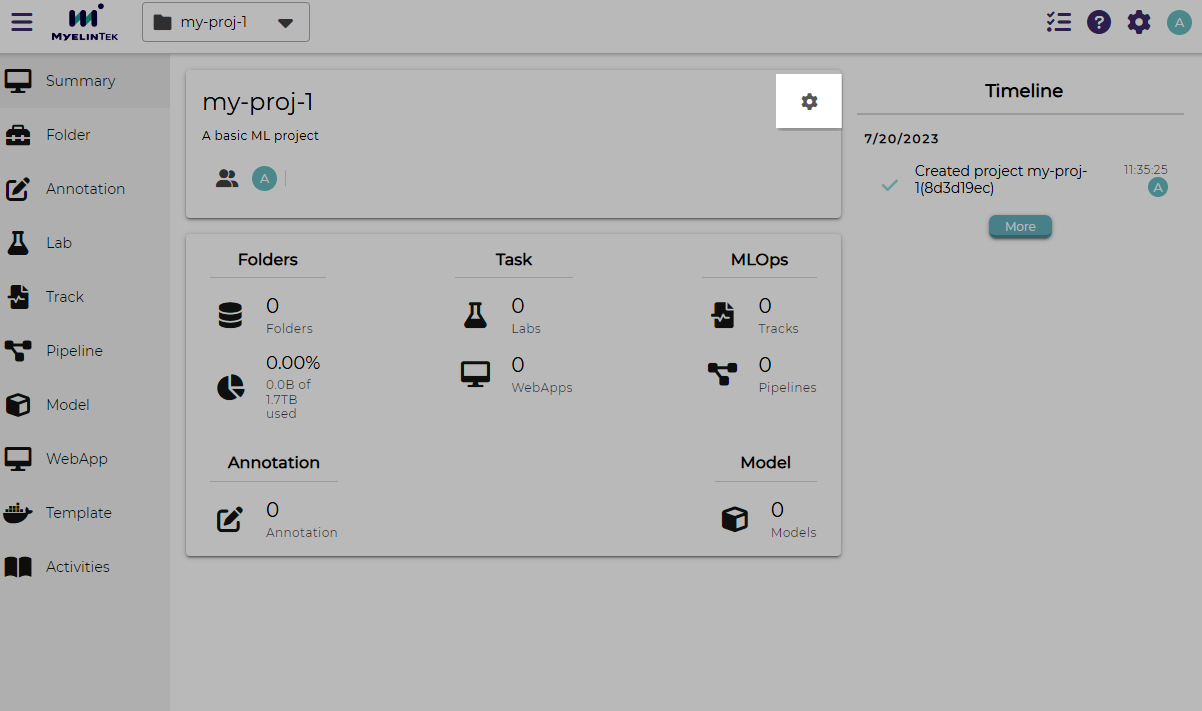
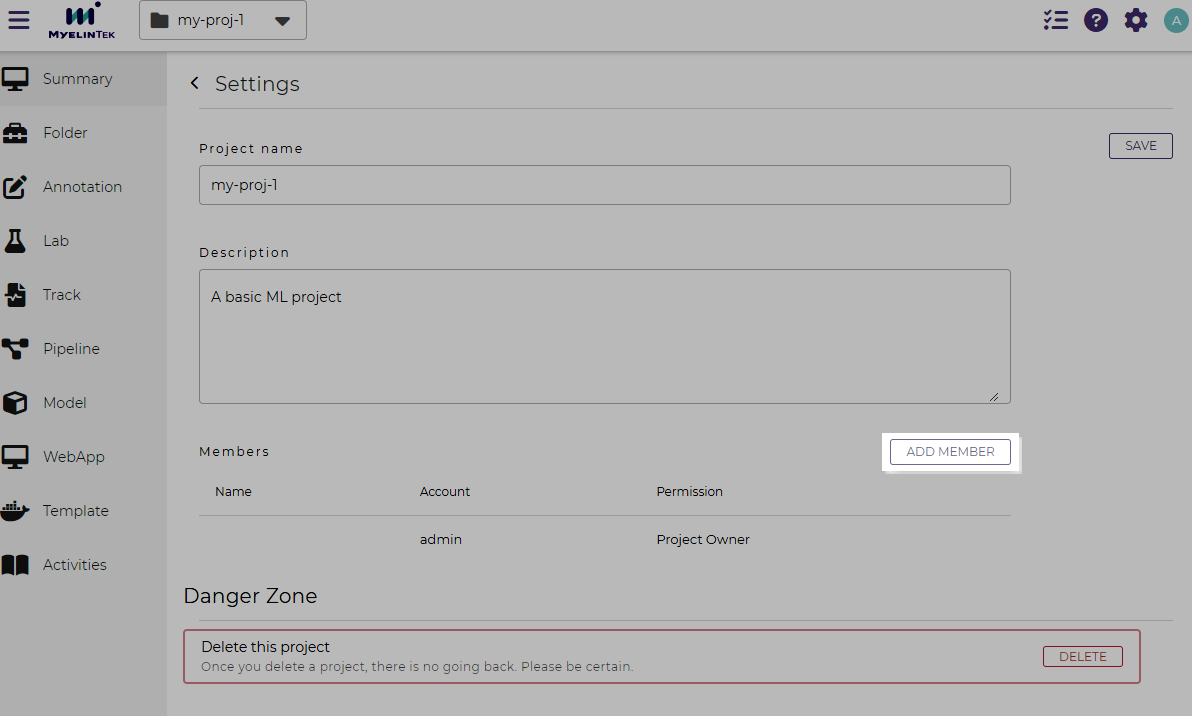
Click on the settings button on the project details page.
Click on the ADD MEMBER button.
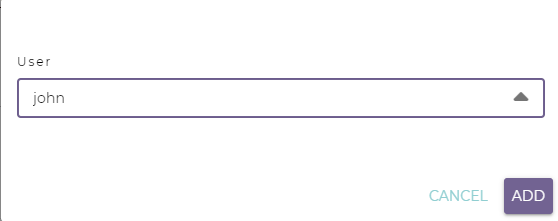
Select the user to add.
Click on the ADD button.
Delete a Project
To delete a project:
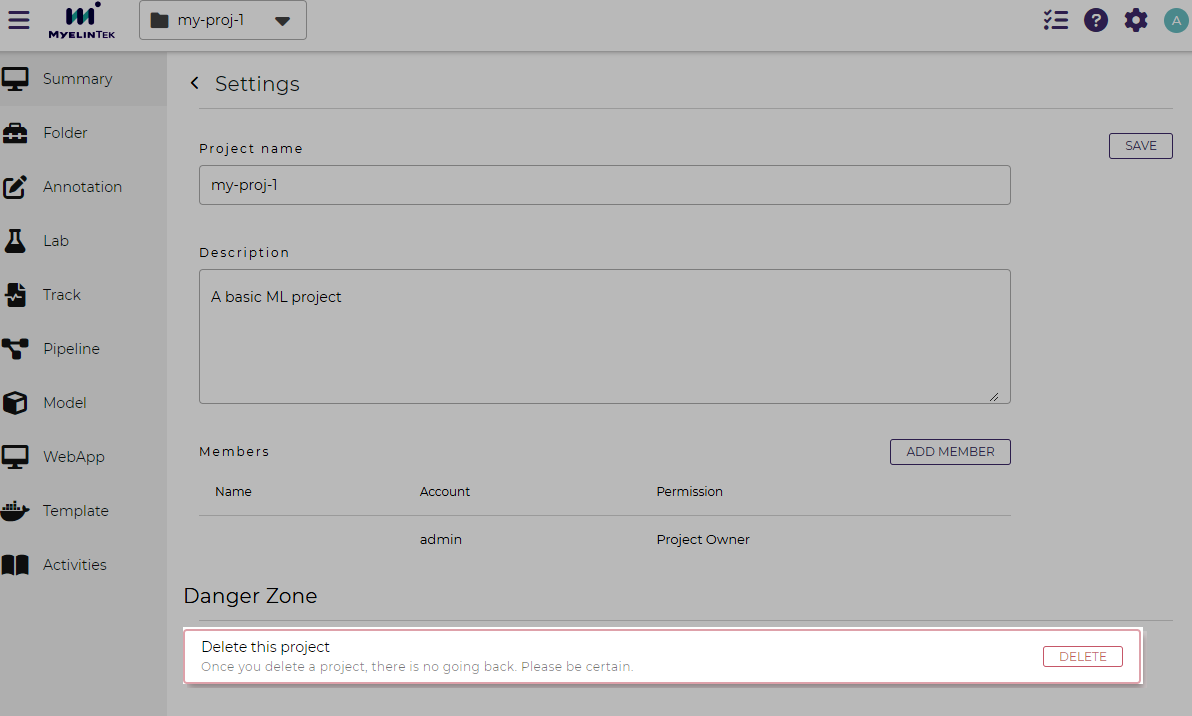
Click on the settings button on the project details page.
Scroll to the bottom of the page and click on the DELETE button.
Confirm the deletion.
Warning
A project could no longer be restored once it has been deleted.